 Mosaic Help Centre
The image library
Upload pictures once and use them in your emails.
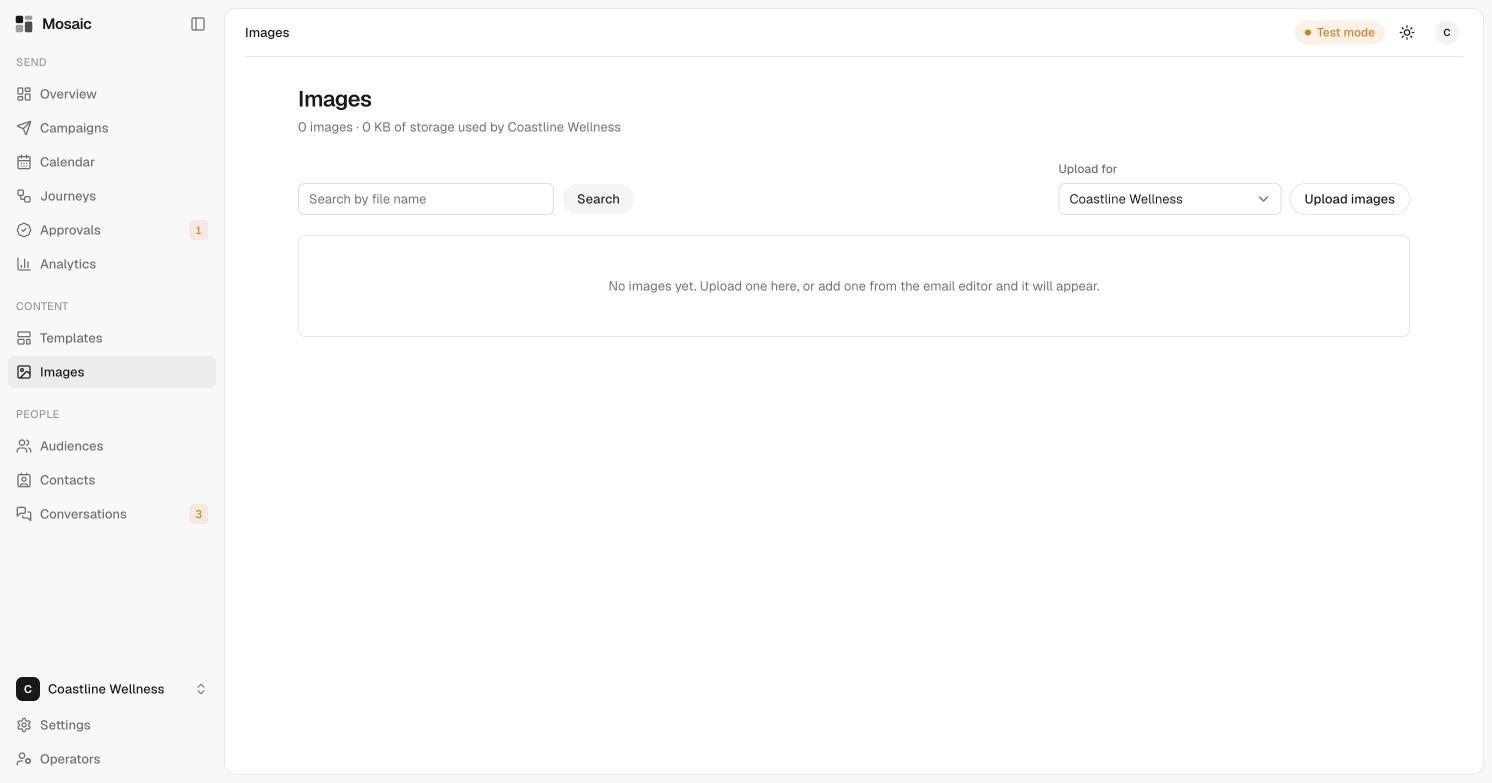
The Images page is where your pictures live. It shows how many images you have and how much storage your brand has used.
Upload images
- Open Images.
- Under Upload for, choose the brand.
- Click Upload images and choose your files.
You can also add an image from inside the email editor, and it will appear here.
Find an image
Type part of a file name in the search box and click Search.
Tips
- Use a clear file name, so the image is easy to find later.
- Keep images small. Large files make emails slower to load.