The audit log
A permanent record of every action by people and assistants.
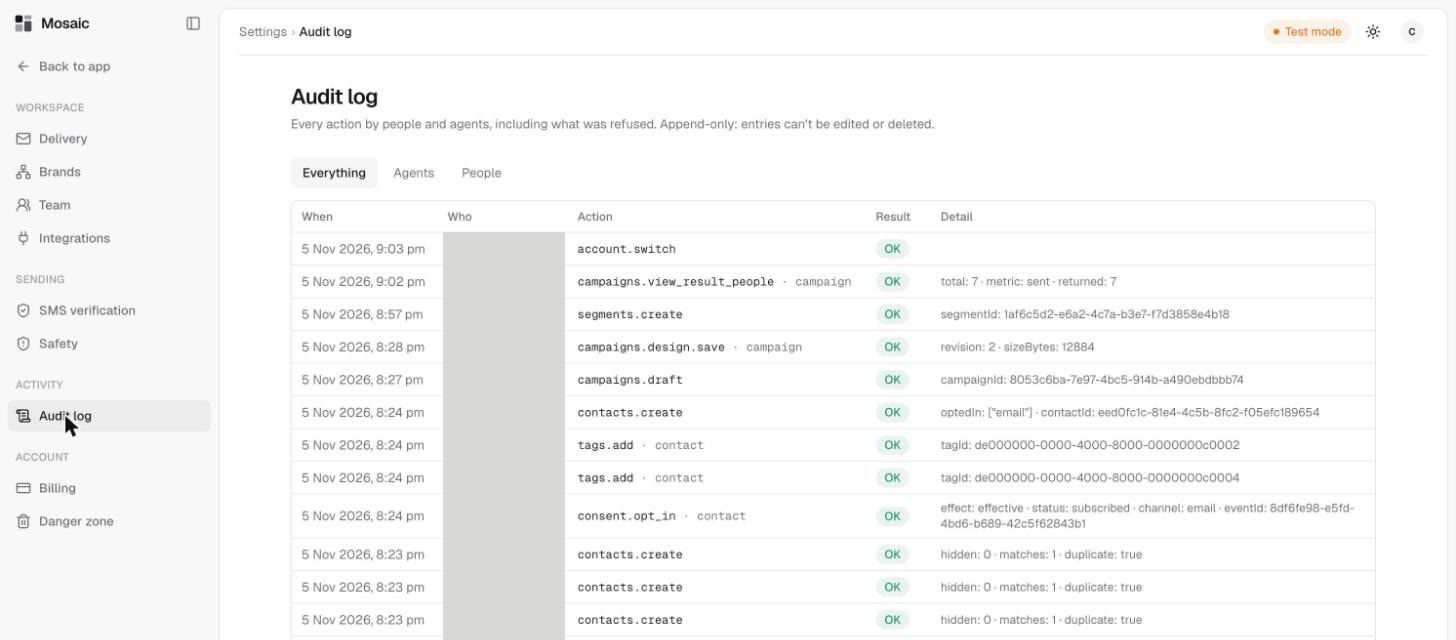
The Audit log in Settings records every action by people and assistants, including what was refused. It's append-only, so entries can't be edited or deleted.
Read the log
Use the tabs to narrow it down: Everything, Agents or People.
Each row shows:
- When it happened.
- Who did it.
- Action, a short name such as
campaigns.draftorcontacts.create. - Result, usually OK. Refusals appear here too.
- Detail, extra information such as how many people were involved.
When to use it
- To check who approved a send, and when.
- To see what an AI assistant has been doing.
- To find out why something was refused.
The Overview page also shows the latest few actions, with a link through to the full log.
Related
Last updated 5 November 2026