Delete your account
What deleting an account removes, the 7-day waiting period, and how to cancel.
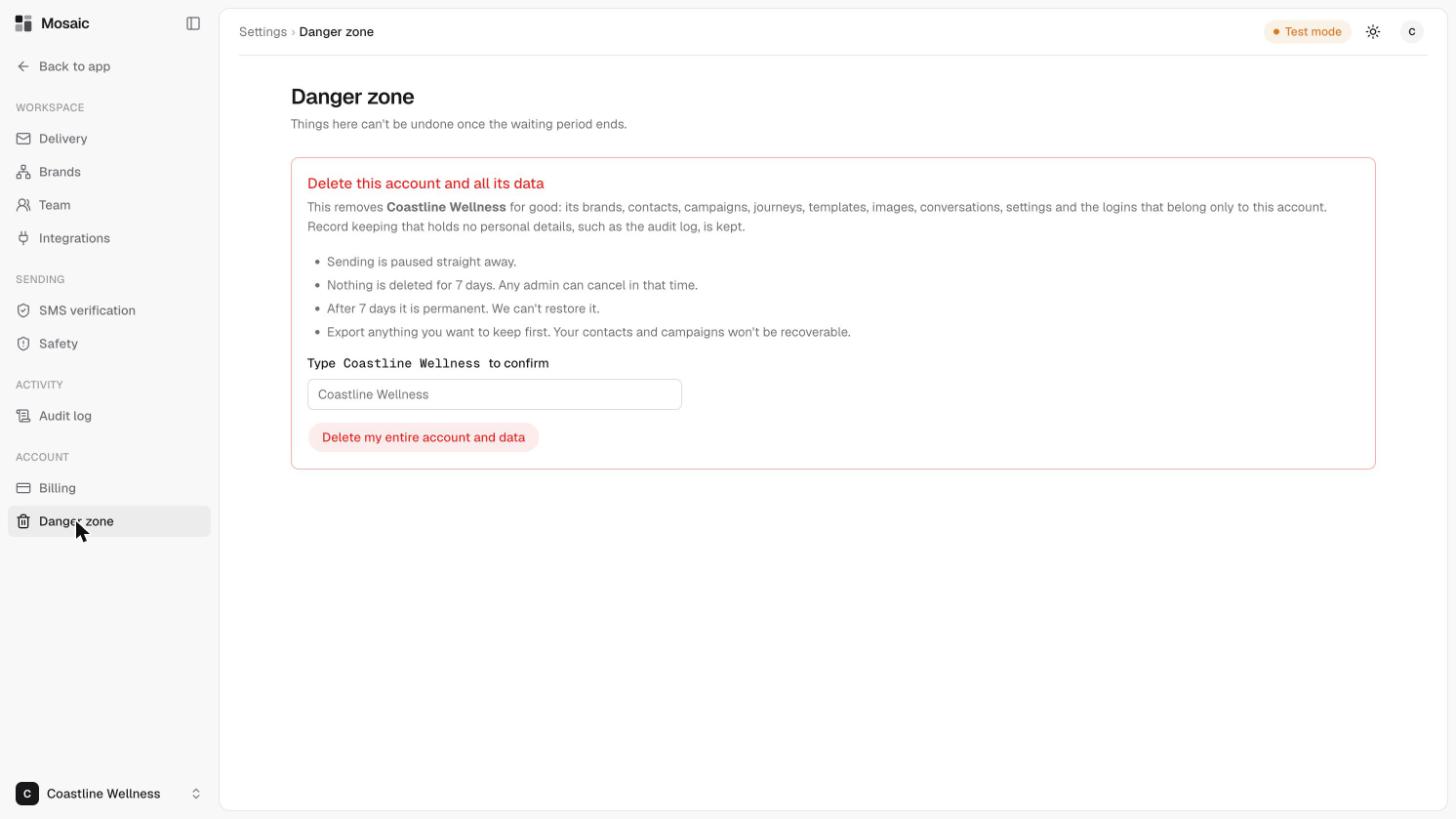
The Danger zone in Settings is where an account can be deleted. Things here can't be undone once the waiting period ends.
What gets removed
Deleting an account removes it for good: its brands, contacts, campaigns, journeys, templates, images, conversations, settings and the logins that belong only to this account. Record keeping that holds no personal details, such as the audit log, is kept.
What happens when you delete
- Sending is paused straight away.
- Nothing is deleted for 7 days. Any admin can cancel during that time.
- After 7 days it is permanent. It can't be restored.
Before you delete
Export anything you want to keep first. Your contacts and campaigns won't be recoverable. See delete, restore and export contacts.
Steps
- Open Settings, then Danger zone.
- Type your account's name to confirm.
- Click Delete my entire account and data.
Only an account admin should do this. See your team and their roles.
Last updated 5 November 2026