Delete, restore and export contacts
Remove a contact, bring them back from Recently deleted, and export your list.
Delete a contact
Open a contact's card and click Delete. See read a contact's profile.
If you only want to stop messaging someone, use Do Not Contact instead. It keeps their record and stops all messages.
Restore a contact
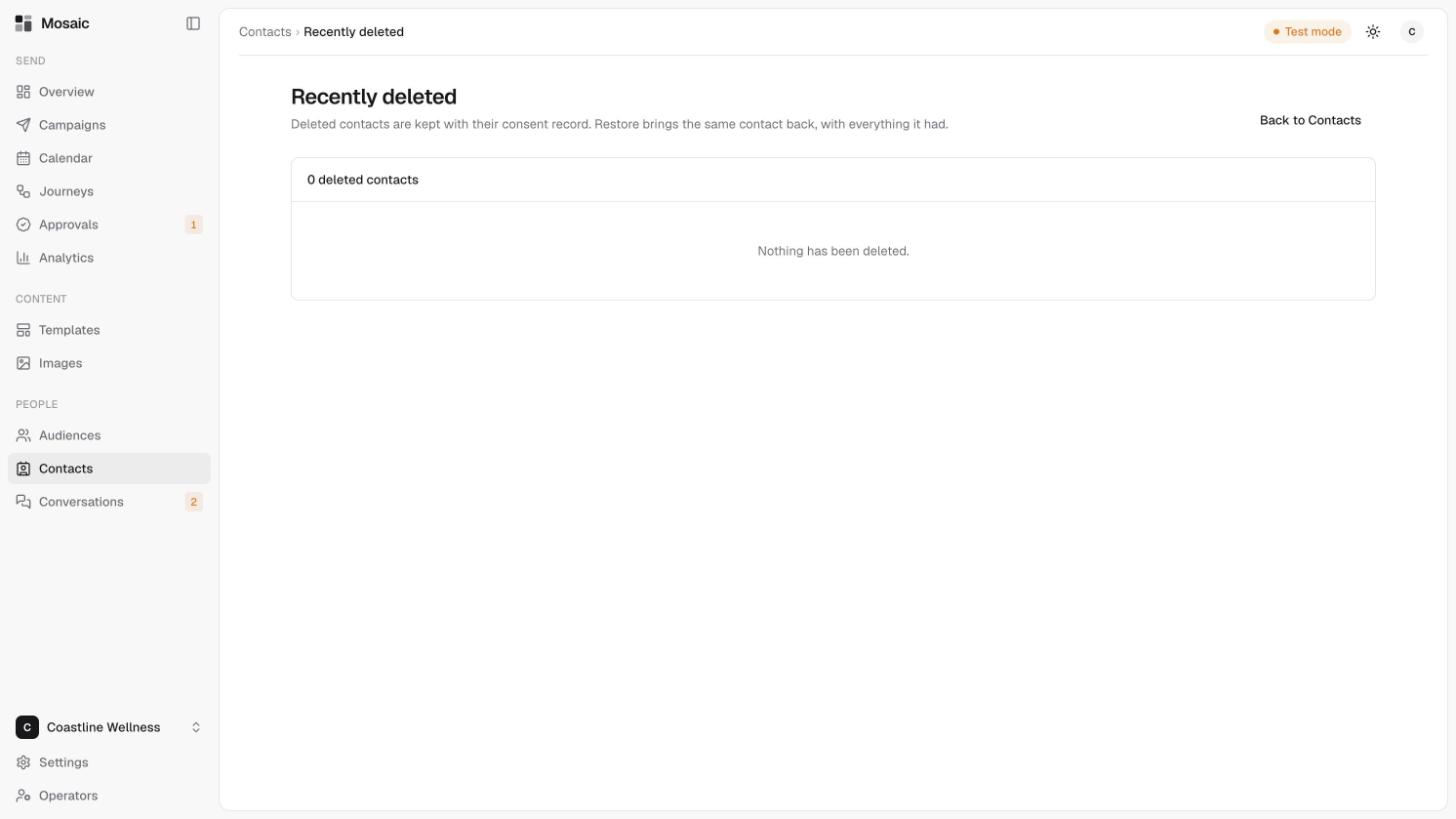
Deleted contacts are kept with their consent record, so you can bring one back.
- Open Contacts, then click Recently deleted.
- Find the contact in the list.
- Click Restore. The same contact comes back, with everything it had.
The page shows how many deleted contacts there are. If there are none, it says "Nothing has been deleted."
Export contacts
Click Export in the Contacts toolbar to download your contacts as a file. It uses the brand you've chosen, and if you've searched for someone, it exports the matching contacts.
Export anything you want to keep before you delete an account.
Related
Last updated 5 November 2026