 Mosaic Help Centre
Read your analytics
See what went out and what people did with it.
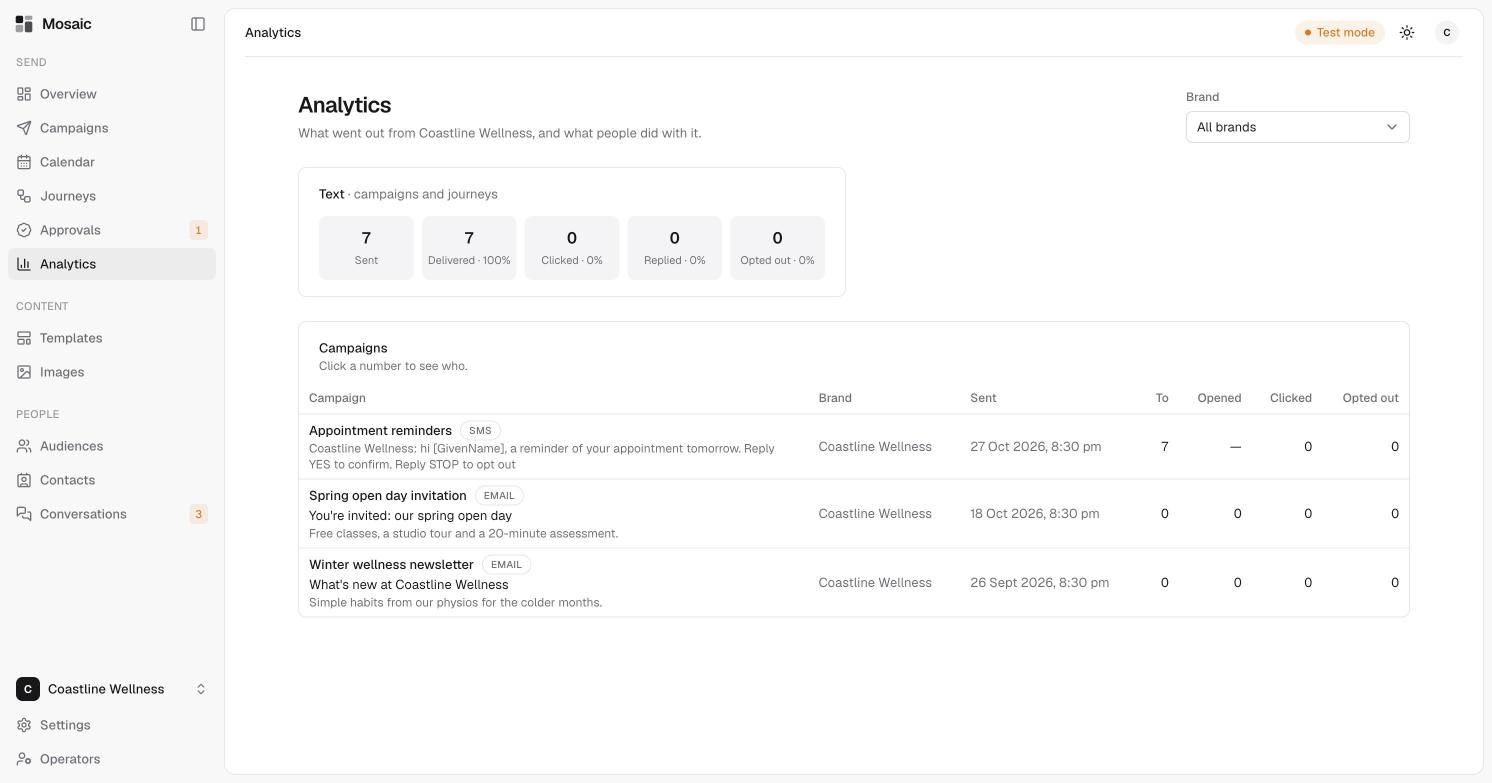
The Analytics page shows what went out, and what people did with it. Use the Brand picker to look at one brand or all of them.
The summary
At the top is a summary for texts across campaigns and journeys:
- Sent, how many went out.
- Delivered, with the percentage that arrived.
- Clicked, Replied and Opted out, each with a percentage.
The campaigns table
Below it, every campaign that has gone out is listed with its brand, when it was sent, and the first lines of its message or subject. The columns show:
- To, the number of recipients.
- Opened, Clicked and Opted out.
Click a number to see who it was. Opens aren't shown for texts, so they appear as a dash.