 Mosaic Help Centre
Plan a campaign on the calendar
Set a planned date for a campaign and see everything scheduled and sent.
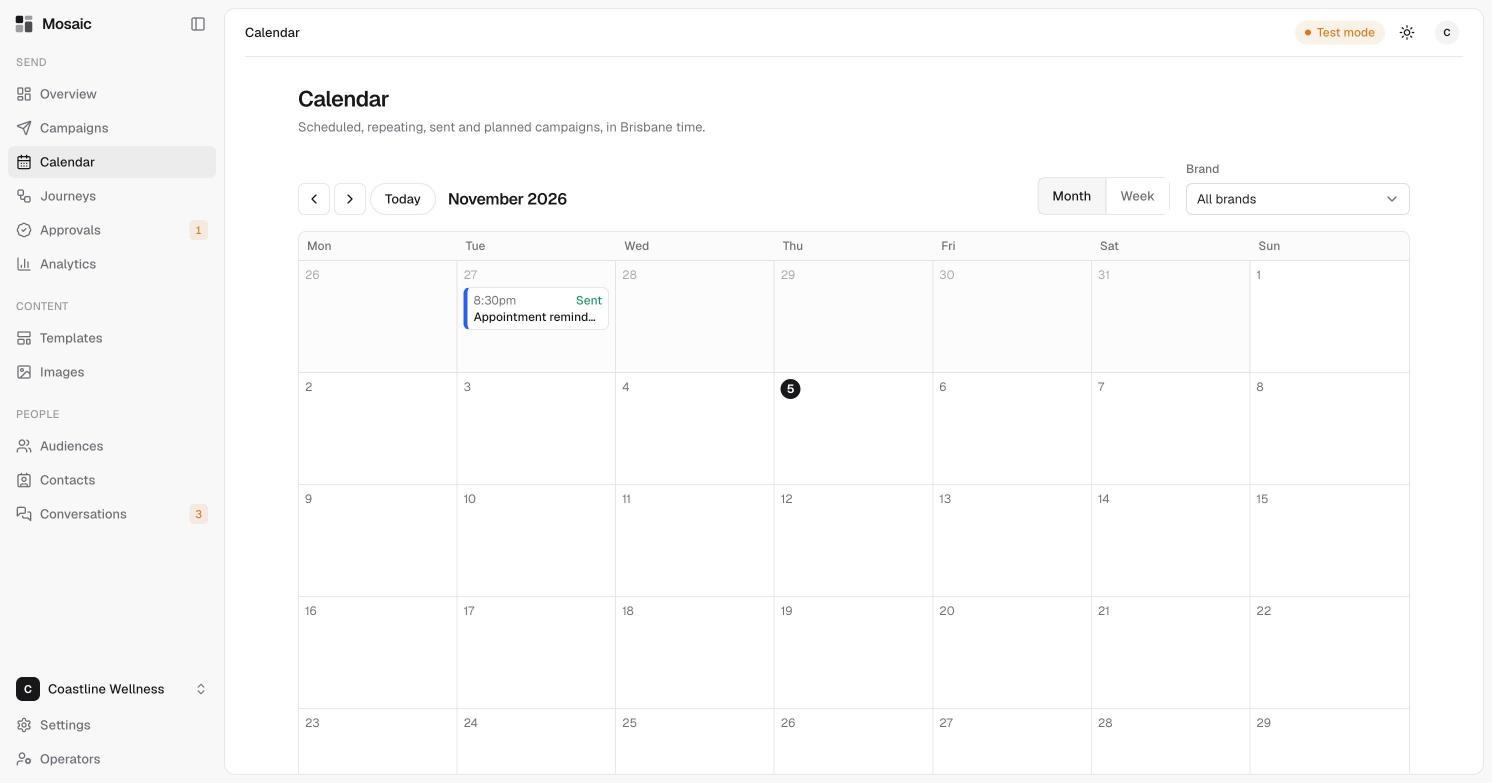
The Calendar shows scheduled, repeating, sent and planned campaigns, in Brisbane time.
Read the calendar
- Switch between Month and Week.
- Use the arrows to move forward and back, or click Today to jump to now.
- Use Brand to look at one brand, or all of them.
- Each campaign shows its time, its status such as Sent, and its name.
Plan a send
- Open the campaign from Campaigns.
- In the Status panel, choose a date and time under Planned for.
- Click Save.
A plan is only a plan. Nothing is sent until the campaign is approved. See review and approve a campaign.