 Mosaic Help Centre
Import contacts from a CSV file
Bring in a list of people from a spreadsheet, check a preview and undo it if needed.
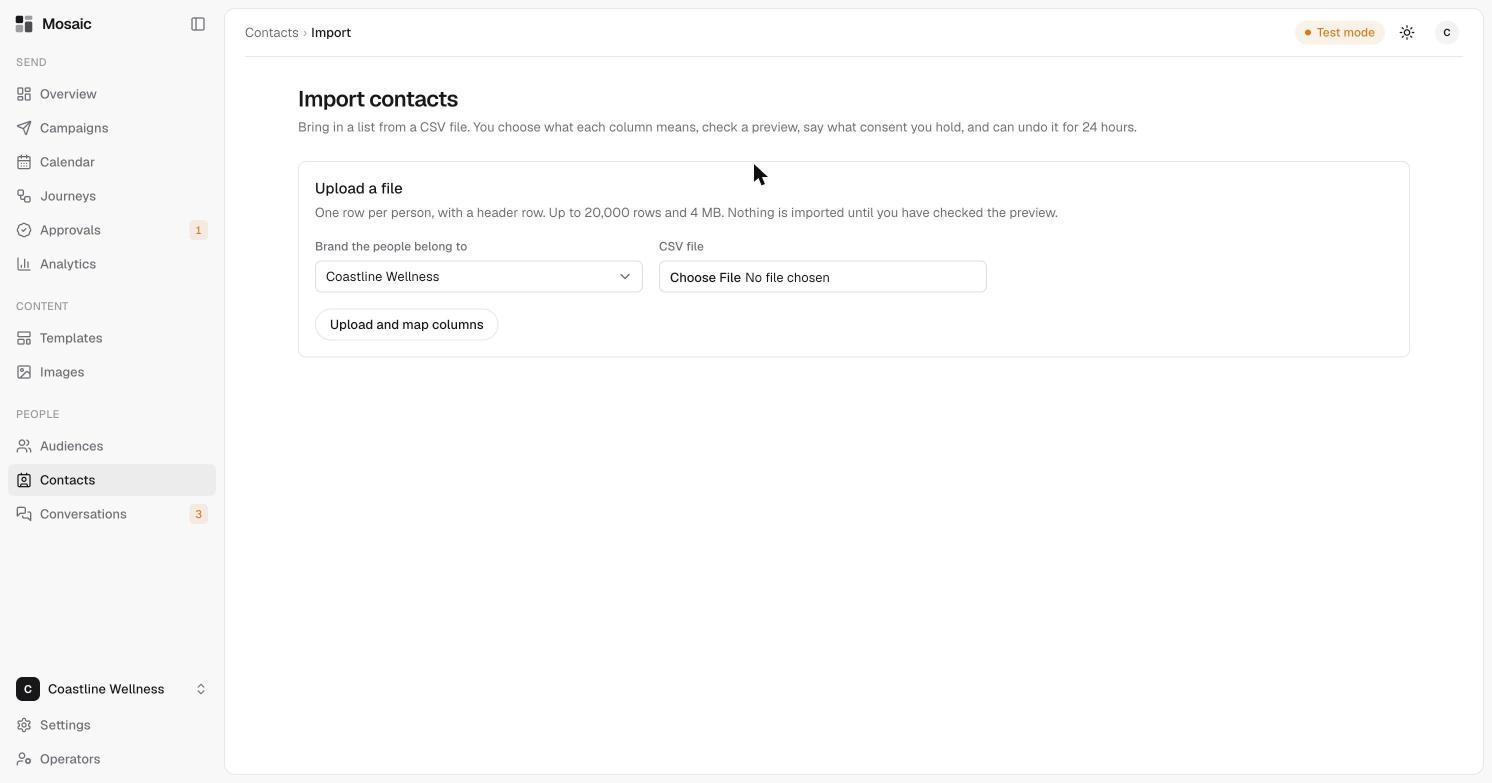
If you already have a list of people, you can bring them into Mosaic from a CSV file. You choose what each column means, check a preview, and say what consent you hold.
Before you start
- Use one row per person, with a header row at the top.
- A file can have up to 20,000 rows and be up to 4 MB.
- Know what consent you hold for these people. Mosaic asks you, and only lets you message people who have agreed.
Steps
- Open Contacts, then click Import.
- Choose the brand the people belong to.
- Choose your CSV file.
- Click Upload and map columns.
- Tell Mosaic what each column means, check the preview, and say what consent you hold.
Nothing is imported until you've checked the preview.
Changed your mind?
You can undo an import for 24 hours after you run it.