 Mosaic Help Centre
Email categories and unsubscribing
Control what people can switch on and off from the link in every email.
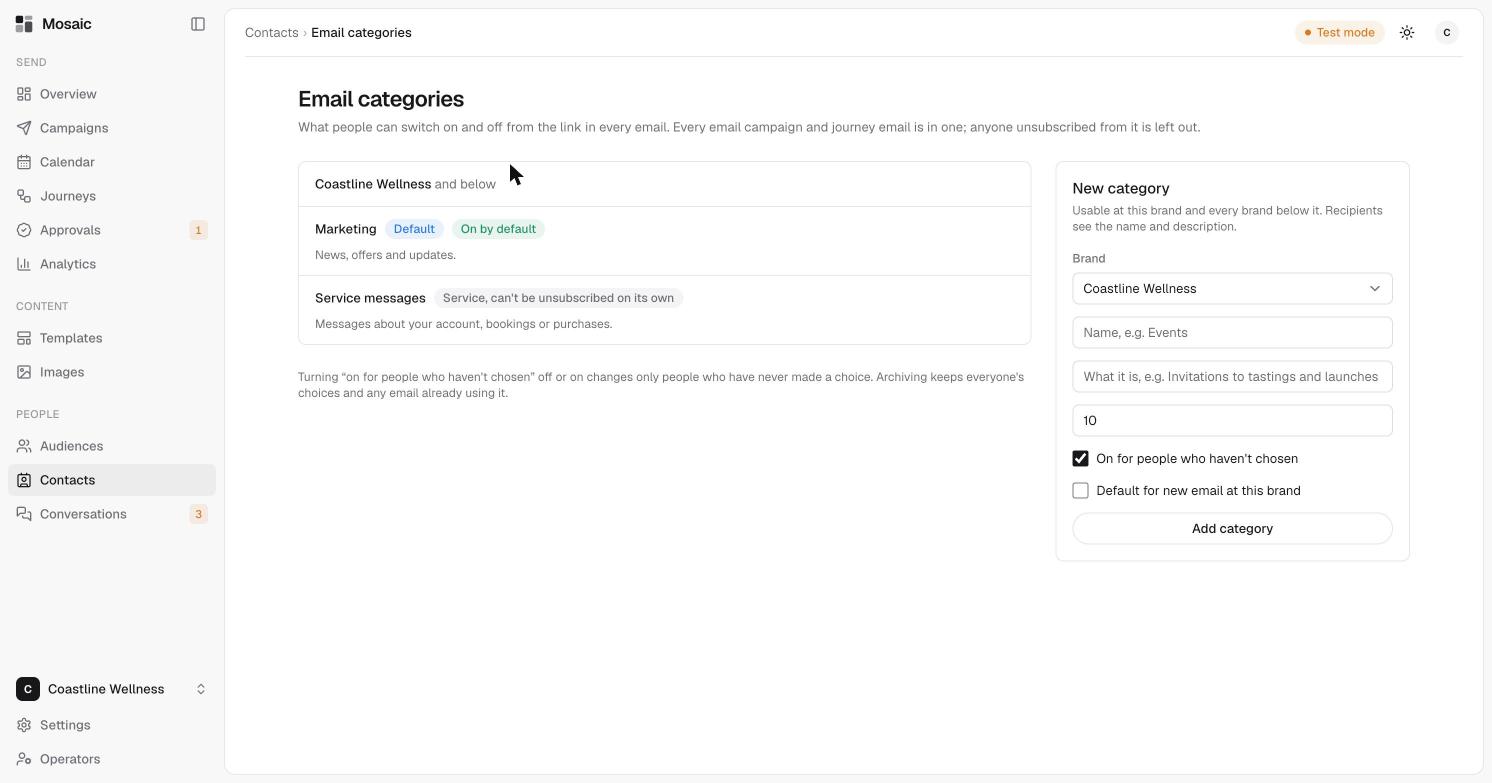
Every email campaign and journey email belongs to an email category. People can switch categories on and off from the link in the email. Anyone who has unsubscribed from a category is left out of emails in it.
The default categories
- Marketing covers news, offers and updates. It's the default and is on by default.
- Service messages covers messages about an account, a booking or a purchase. It can't be unsubscribed from on its own.
Add a category
- Open Contacts, then click Email categories.
- Under New category, choose the brand.
- Enter a name, for example "Events", and a short description. Recipients see both.
- Choose whether it's on for people who haven't chosen, and whether it's the default for new email at this brand.
- Click Add category.
A category can be used at its brand and every brand below it.
Good to know
Changing "on for people who haven't chosen" only affects people who have never made a choice. Archiving a category keeps everyone's choices, and any email already using it.